- Published on
Gemma 4 12B: how to install open source AI from Google on your PC or Mac
- Authors

- Name
- aimode.news
- @aimode_news
Run an AI worthy of the name directly on your laptop, without sending any data to the cloud. This is exactly what Gemma 4 12B, the new arrival at Google, promises, released on June 3, 2026. And unlike the large models in the family, this one is designed to fit in the memory of a laptop. You can have it up and running in two minutes.
A quick reminder for those who are new: an open model (or open weight) is an AI whose files, called weights, can be downloaded. You transfer them to your disk, and the AI runs locally, without connection. Unlike Gemini or ChatGPT, which live on their owners' servers and charge for usage.
What exactly is Gemma 4 12B?
The 12B is the fifth member of the Gemma 4 family, released like the others under the Apache 2.0 license.
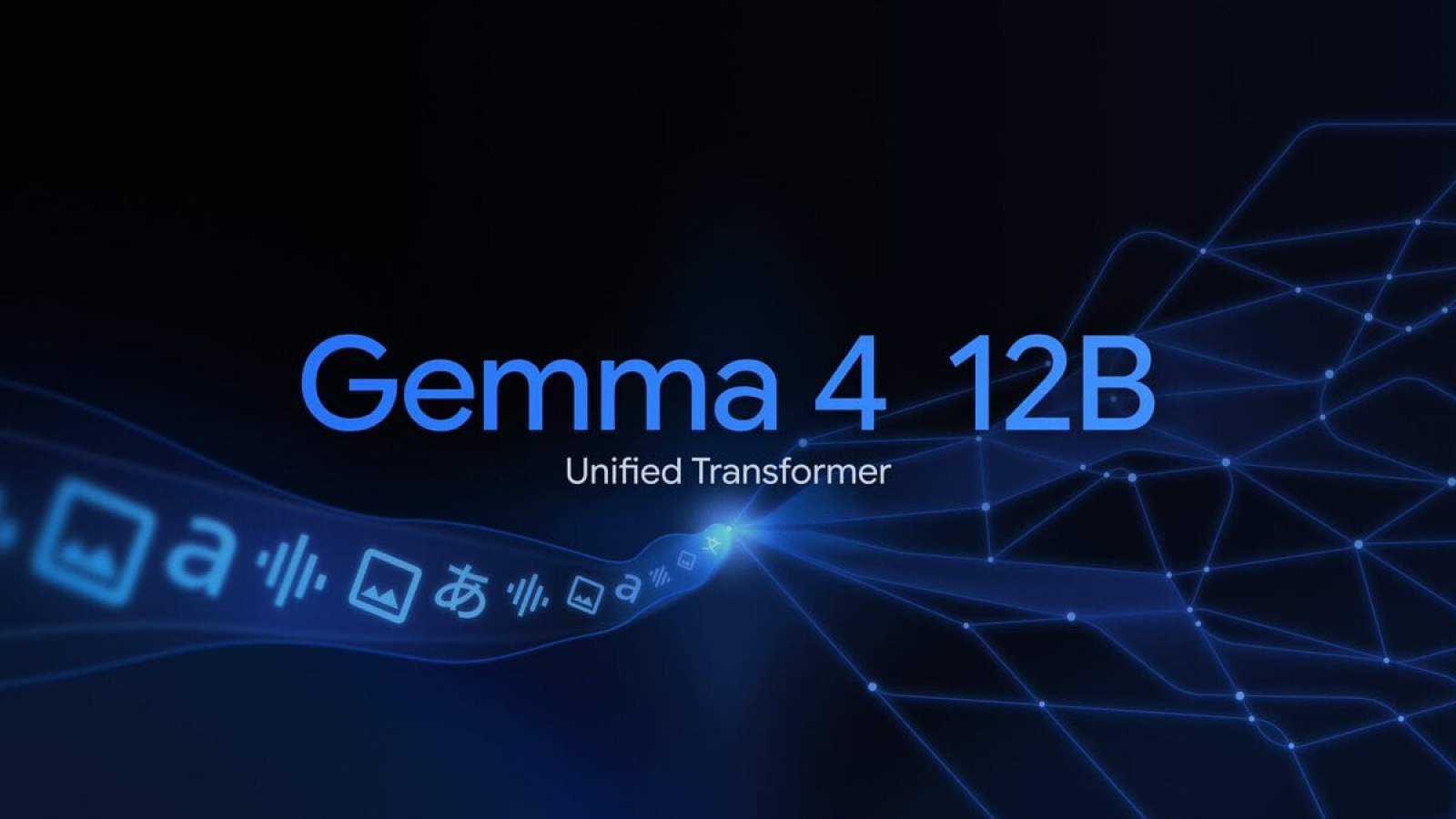
Concretely, this license authorizes commercial use, modification and redistribution without paying royalties to Google: it is one of the most permissive on the market. Its particularity lies in its full name, “12B Unified”.
Where the other Gemma 4s use dedicated encoders to process image or sound, the 12B gets rid of them. For vision, lil uses a lightweight module, this is the core of the model that supports visual analysis. For audio, it's even more radical: no encoder at all, the raw sound signal is projected directly into the same space as the text tokens. We therefore have a single architecture without added parts, less latency, less memory, and easier to run locally.
And it is complete: it swallows text, images, video and audio, with a context window of 256,000 tokens, enough to ingest a long document or a code repository in one piece. Detail that counts: it’s the biggest Gemma 4 capable of understanding audio. 26B and 31B are limited to text and image. If you want local voice transcription or translation, the 12B is your best choice in the lineup.
The performance jump is real. According to InfoQ, Gemma 4 has almost doubled its scientific reasoning score in one generation: on the GPQA Diamond test, the 12B climbs to 78.8%, compared to 42.4% for last year's Gemma 3 27B. A model twice as light that exceeds the old flagship, that’s the idea. If the subject of Google AI interests you more broadly, we also have a complete guide on Gemini.
Why the 12B is the right choice for a laptop
This is where everything plays out. Google announces a “laptop ready” model: it runs locally with only 16 GB of VRAM or unified memory. Better, it offers performance very close to the 26B, the model above, for less than half its memory footprint. In short, you get most of the quality of the big model without needing a gaming machine or a workstation. This is the new balance point between quality and memory, and this is precisely the niche of the laptop PC.
On Mac, the advantage is even clearer. The memory is unified: RAM and VRAM are one, and a MacBook Air or Pro with 16 GB shares all this stock with the model. On a laptop, it's your graphics card (or system memory if you don't have a dedicated GPU) that does the work. In both cases, 16 GB is enough to keep the 12B breathing. Which is complicated on a laptop PC, but there are laptop PCs now equipped with unified memory.
What machine you need, and how to install it
The crux of the matter is memory. Not the processor, not the graphics card itself: the amount of RAM or VRAM (the dedicated memory of the graphics card) available. Simple rule: your total memory must exceed the size of the file you are downloading. On Mac, RAM and VRAM are one, it is the famous unified memory, and that works in favor of recent MacBooks.
Here's what each variant requires in practice, based on community recommendations and GGUF files (the compressed format used for local use).
| Model | Type | Recommended memory | For which machine |
|---|---|---|---|
| E2B / E4B | Edge | ~3 to 4 GB | Smartphone, Raspberry Pi |
| 12B Unified | Dense | ~8 GB (Q4) | Laptop with 16 GB unified/VRAM, MacBook Air/Pro with at least 16 GB |
| 26B A4B | MoE | ~14 GB (Q4) | 16 GB GPU, 18 GB+ Mac |
| 31B | Dense | ~18 GB (Q4) | RTX 3090/4090, Mac 24 GB+ |
What you need to remember: with 16 GB of memory, the 12B in 4-bit version goes smoothly and leaves room for context. This is the best quality-memory compromise for a laptop. If you're at 8 GB, go down to a more aggressive quantization of 12B or fall back on the more modest but usable E4B. And a strong warning: don't attempt the 26B or 31B on a simple 16GB laptop, you'll get inconsistent output and crashes.
To go further
How to install a LLM ChatGPT model on PC or Mac locally? Here is the ultimate guide for everyone
For installation, the simplest is called Ollama, an application that manages the download and memory by itself. Install the latest version, then a single line in the terminal: ollama run gemma4:12b
.
On Mac Apple Silicon, MLX is the fastest native engine. GUI enthusiasts will prefer LM Studio, and DIY enthusiasts will prefer llama.cpp for fine control. Weights can be downloaded from Hugging Face and Kaggle; the Unsloth team also offers optimized “Dynamic” GGUFs which make the 12B run more efficiently. If you want the step-by-step method for all systems, our guide to installing an LLM locally details everything.
What we can do with it
Once installed, Gemma 4 12B does multi-step reasoning, code generation, image and document analysis. As it is multimodal, you can throw it a screenshot of a spreadsheet or invoice and ask it to interpret it. And since it understands audio, it also knows how to transcribe, format and translate voice, entirely offline: Google demonstrates this with its AI Edge Eloquent application. This is something that the big Gemma 4s, limited to text and images, cannot do. Finally, it manages the call of tools and the structured JSON output, which makes it a credible engine for in-house autonomous agents.
The real interest, beyond the scores: everything stays on your machine. No data sent to a third party, no cost per request, no throughput limit. For the analysis of sensitive documents or confidential code, this is a strong argument. Researcher Nathan Lambert sums up the issue well: the success of Gemma 4 will depend primarily on its ease of use, more than on a few benchmark points. And from this point of view, a model that fits into a laptop ticks the right box.
If you have a recent laptop with 16 GB of memory or a MacBook with unified memory, go and test the 12B: it's the most advanced local AI available for a laptop at the moment, free and without a leash. If you're on a more modest machine or the command lines give you hives, stick to the E4B via Ollama or LM Studio. Either way, the days of drinking AI requiring a login and subscription are officially behind us.
To go further
How to install Google Gemma 4 on your Android or iPhone smartphone: a free “ChatGPT” without connection